Photo keeping · 3 min read
From “I'll print these” to prints in your hands.
By To Have & To Hold ·
You do not need to take new photos to make something worth keeping. The pictures from last weekend, a family celebration, or your last visit home are already a good place to start. Before you order photo prints from your phone, a few small checks can make the process easier.
In this story
Find the actual photo, not a picture of it.
Open the original image in your photo library. If it is stored in the cloud, make sure it has downloaded before you try to upload it. A screenshot of a picture often includes extra borders and loses some of the detail in the original file.
When a friend took the photo, ask for the original file. If it is shared through a messaging app, use a file-sharing option that keeps the original quality where available. Do not send a screenshot of the chat as your print file.
Know where the print is going.
An album, a phone case and a gift each ask something slightly different of a photo. Check the print format and product details before ordering, especially if it needs to fit a particular pocket or frame.
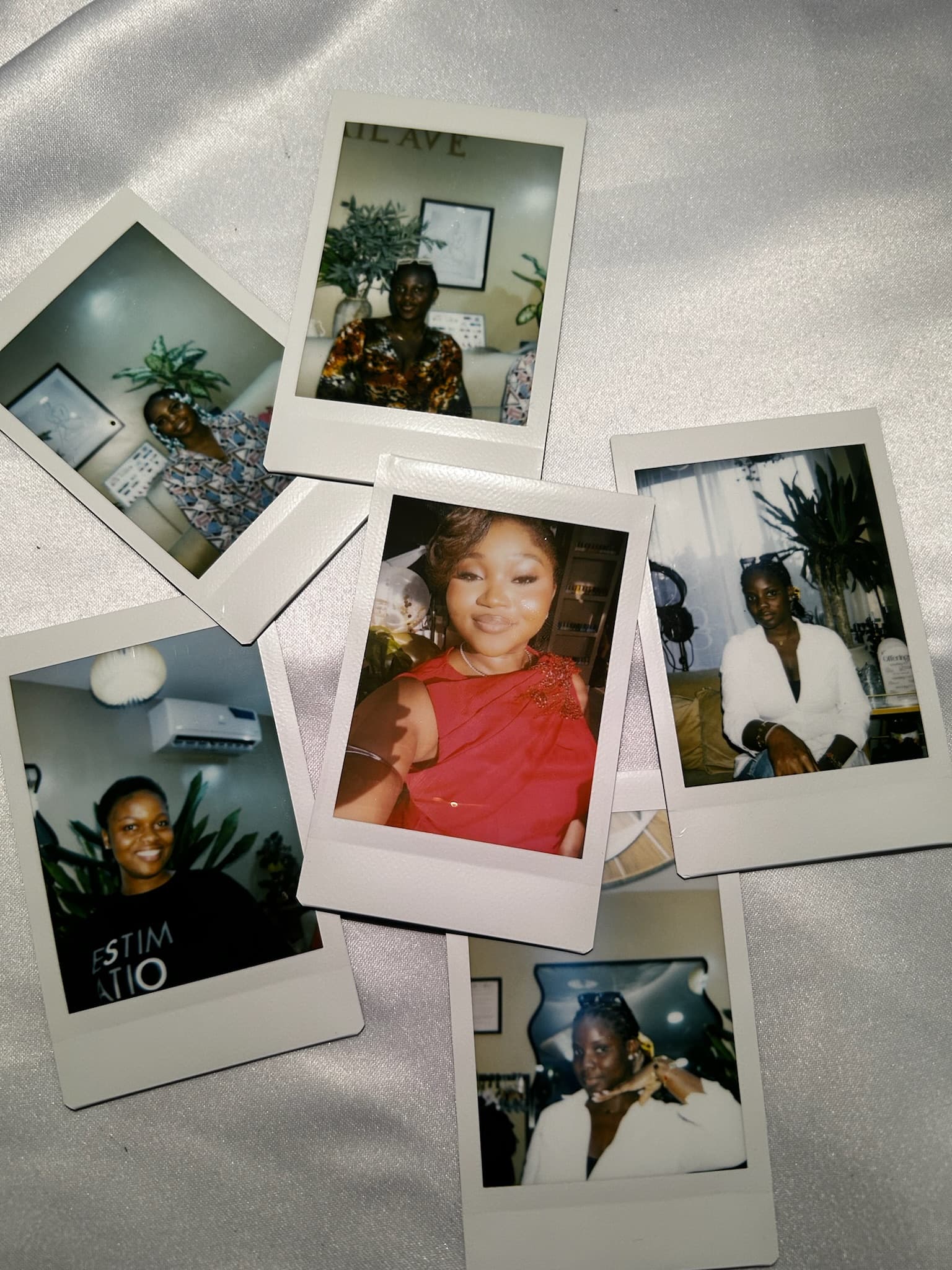
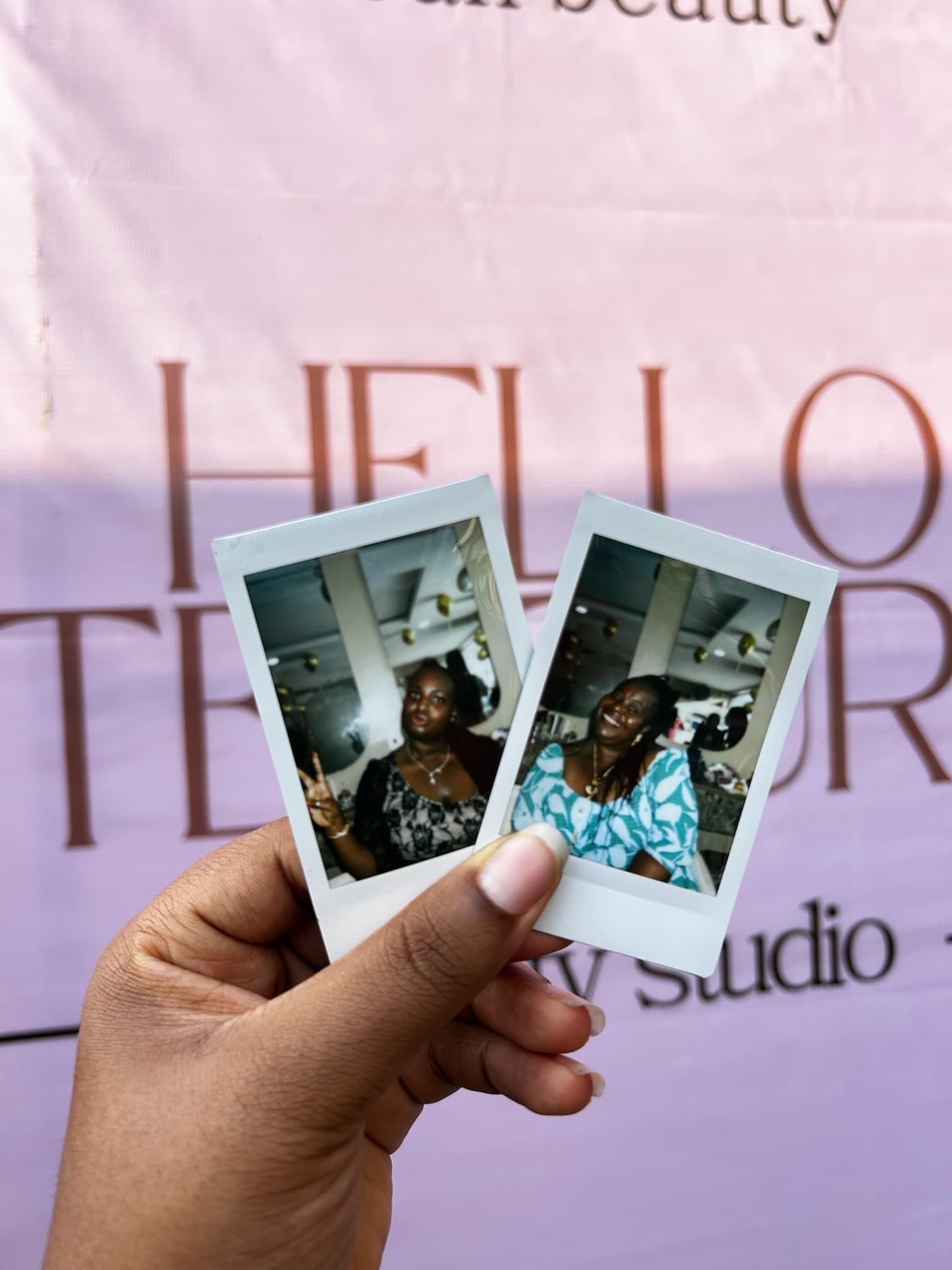
People often use “Polaroid” to describe a small bordered instant photo. THTH offers Instax instant prints; check the selected product for the format you are ordering. A border preview on a screen is not a measurement of the finished print.
Check the edges before the centre.
The middle of your photo may look lovely while the crop cuts off someone's hand or the top of their head. Review the whole image in the uploader. Pay special attention to people standing at the edges of group photos.
A landscape photograph may need a different crop to fit a portrait print. Choose another photo if the important people cannot all fit comfortably. Avoid tiny text in the image; what reads clearly on a large screen may be hard to read on a small print.
Treat the preview as a check, not a colour promise.
Phone screens glow; prints reflect the light around them. Screen brightness, filters and room lighting can change how you perceive a picture. Use the preview to check the composition and avoid pushing brightness or saturation to extremes.
You can try a bordered layout with our free photo maker before ordering. A downloaded digital image is a preview or keepsake in its own right; you still need to place a print order to receive a physical photo.
Give the order one last look.
Keep your order confirmation so you can refer to it if you need help. When the prints arrive, give them a home: an album page, a place on your desk, or an envelope for someone who was there.
- Review each uploaded photo and the quantity of each print.
- Confirm any case model or other selected extras.
- Check your email, phone number and delivery address.
- Review the current total, delivery charge and delivery estimate.
- For a date-sensitive gift, allow time and ask about timing before paying.